
WAPP.MY Bio Links vs Linktree — Which is Right for Your Malaysian Business?
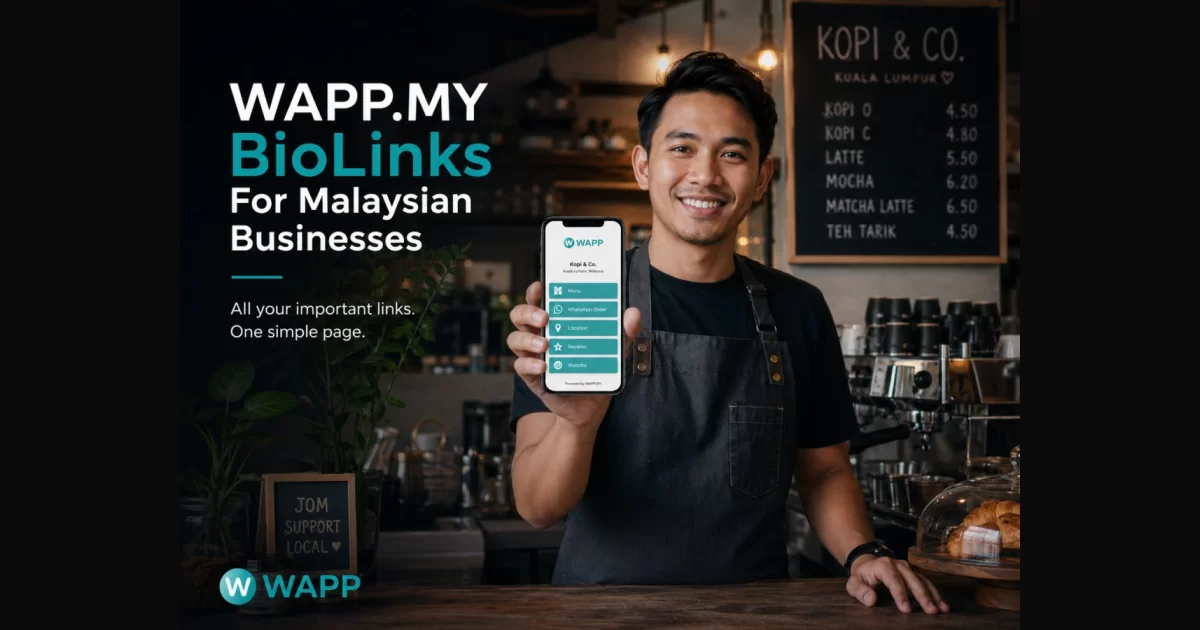
If you are a Malaysian business owner, creator or professional looking for a link-in-bio solution, you have probably come across Linktree. It is one of the most popular tools in the world for turning a single URL into a page of links.
There is another option built with the Malaysian market in mind — WAPP.MY Bio Links. This article compares them honestly: where each one wins, when Linktree is genuinely the better choice, and how to switch without breaking the links you already shared.
What a Link-in-Bio Actually Does for a Malaysian SME
A link-in-bio page exists because Instagram, TikTok and XHS each give you exactly one clickable URL. That single slot has to carry everything: your menu, your WhatsApp, your shop, your location.
For most Malaysian SMEs the page has one job above all others — start a conversation. 97% of Malaysian smartphone users have WhatsApp installed, and customers here would rather chat than fill in a form. So optimise for the shortest path to a chat, not the longest list of links.
Get it right and you get one place to update, a consistent brand, and a click count you can act on. A Marketplace listing adds a second discovery route for browsers.
WAPP.MY Bio Links vs Linktree: Full Comparison
Here is the honest side-by-side for a Malaysian SME on a free plan:
| Feature | Linktree (free) | WAPP.MY Bio Links (free) |
|---|---|---|
| Built for | Global, English-first | Malaysia-first, English and Chinese |
| Page URL | linktr.ee/yourname | wapp.my/b/yourname |
| WhatsApp button | You add it as a generic link | Native one-tap WhatsApp chat button |
| Links on free plan | Unlimited | Up to 5 curated links |
| Link types | Generic links | Bio links, short links, WhatsApp links, vCard |
| Click analytics | 28-day retention on free | Click tracking included |
| UTM tracking | Not on free | Recorded and forwarded for /r/ and URL-type /w/ links |
| Customisation | Themes and colours, limited on free | Logo, cover, brand colour, button style |
| Ads on your page | No | No |
| Pricing model | Free tier plus paid plans (about USD 8-15/mo) | Free |
| Setup time | About 5 minutes | About 3 minutes |
Two rows matter most: the WhatsApp button is built in rather than bolted on, and every click lands in your own dashboard instead of expiring after a month.
The Native WhatsApp Button Difference, Explained Properly
The phrase "WhatsApp button" hides the detail that matters. On Linktree you can absolutely add a WhatsApp link as one of your buttons — but you build it yourself, and on the page it is just another link.
On WAPP.MY the button is a first-class part of the page: the visitor taps once and lands in a chat with a pre-filled message already typed, and the tap is recorded. Fewer taps, context written, a number in your dashboard — a WhatsApp link is the conversion event, not decoration.
A short link handles anything with a page behind it — a menu, catalogue or booking form — and keeps the click data. Use the two together to cover both intents. For more on turning chats into customers, read How to Get More WhatsApp Leads in Malaysia.
What to Put in Your Bio: A 7-Link Priority Order
The free plan gives you five curated links, so order matters more than quantity. Keep the same order even with more slots — the first two do most of the work.
- WhatsApp chat — the money link. One tap, pre-filled message, tracked.
- Your main offer — shop, menu, catalogue or promo page, via a short link.
- Booking or appointment — for clinics, salons, tuition centres and restaurants.
- Google Review — turn a happy customer into a public review.
- Instagram, TikTok or XHS — the social proof customers check before buying.
- Location and directions — a map pin for walk-ins.
- Your vCard — so contacts save your number, company and socials in one tap.
Notice what is not on the list: your personal blog, your 2022 newsletter, and three buttons pointing at the same platform. Every extra link dilutes the first one.
When Linktree Is Genuinely Fine
This is not a page that pretends Linktree is a bad product. For some Malaysian businesses it is the right call:
- Your audience is global or English-only, and you do not sell through WhatsApp.
- You genuinely need more than five links and do not want to curate them.
- You already pay for Linktree and use its deeper integrations.
- Your links are not a funnel — a musician's streaming links, a writer's portfolio.
If any of those describe you, staying put is rational. The case for switching is specific: you sell through WhatsApp, you want a local URL, and you want click data without paying for it.
Migrating from Linktree Without Breaking Your Links
One thing you cannot do is redirect linktr.ee/yourname to your new page — you do not control that URL. So migration is about replacing the link, not forwarding it.
- List every link on your current Linktree page and note which ones are actually used.
- Create your WAPP.MY Bio Links page and rebuild the list in the priority order above.
- Route page links through short links so you keep the click data.
- Test every link on a real phone before you publish.
- Update the bio field on Instagram, TikTok, XHS, YouTube and anywhere else the old URL appears.
- Leave the Linktree page live for a week or two as a fallback, then retire it.
The riskiest step is always the fifth — old bios on platforms you forgot about. Search your own name and business name to catch the stragglers.
What You Can Track — and What You Can't
WAPP.MY Bio Links records clicks per link, so you can see which button earns attention. It also shows unique visitors, device, browser, country, referrer and a seven-day trend. The short-link feature is labelled BETA, with new analytics views still arriving.
UTM is where tools tend to overpromise, so here is the accurate version:
- /r/ links and URL-type /w/ links — UTM is recorded and forwarded to your destination.
- WhatsApp chat links — UTM is recorded only, because WhatsApp does not read UTM parameters.
And the honest limits: analytics are country level only, not city or state, and Bio Links does not offer custom domains, password-protected links or link expiry. The free URL shortener guide and Short Link vs WhatsApp Link go deeper on tracking.
Setting Up Your Page in About Three Minutes
- Register a free account at WAPP.MY.
- Open Bio Links and choose your username — this becomes wapp.my/b/yourname.
- Upload your logo and cover, and set your brand colour.
- Add your links in priority order, starting with the WhatsApp button.
- Test on a phone, then paste the URL into every bio.
Your Bio Links page and your vCard share the same username, so your card and your link page stay in sync — two pages, one identity.
Common Link-in-Bio Mistakes in Malaysia
- Treating it as a link dump. Ten links with no order means nobody taps anything.
- Hiding the WhatsApp button. Burying your best-converting link wastes the page.
- No pre-filled message. An empty chat box is a dead end; pre-fill it.
- Linking to the same platform three times. One Instagram button is enough.
- Never updating it. A dead promo link is worse than no link.
- Ignoring Chinese-speaking customers. A Chinese-language page or button reaches a large Malaysian audience.
- Forgetting old bios. The new page is only as good as the link pointing at it.
The Bottom Line
If your business runs on WhatsApp, a page built for Malaysia will outperform a generic global tool: a local URL, a native chat button, click data on the free tier and no ads. If your audience is global and WhatsApp is not your funnel, Linktree remains fine. Either way the discipline is the same — fewer links, in a deliberate order, highest-value first. For the wider system around it, read WhatsApp Marketing Tips for Malaysian Businesses.