
How to Get More WhatsApp Leads in Malaysia (2026 Guide)
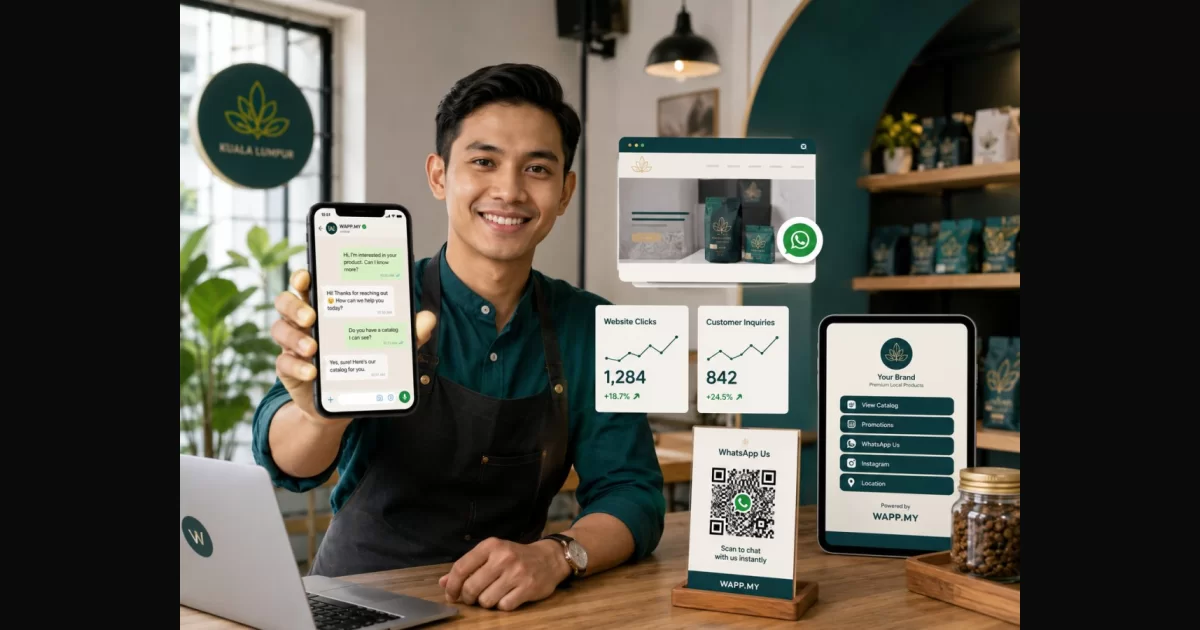
Every Malaysian SME knows the feeling — you've got a Facebook page, maybe an Instagram account, maybe even a website. But where do the actual customers come from?
For most businesses in Malaysia, the answer is WhatsApp.
With 88% of Malaysian internet users active on WhatsApp and 97% of smartphone owners using the app, WhatsApp isn't just a messaging tool — it's your sales pipeline. But here's the problem: hoping customers will find your phone number isn't a lead generation strategy.
In this guide, we'll cover 7 proven ways to generate WhatsApp leads consistently — including free tools you can set up in under 5 minutes.
Why WhatsApp is Malaysia's #1 Lead Generation Channel
Before we dive into tactics, let's look at why WhatsApp matters more than ever for Malaysian businesses:
- 88% internet penetration in Malaysia (Department of Statistics Malaysia, 2025)
- 97% of Malaysian smartphone users have WhatsApp installed
- 98% open rate for WhatsApp messages vs 20-30% for email
- 3x higher engagement rate compared to Facebook Messenger
- WAPP.MY internal data: 150,000+ Malaysian businesses have created 18 million+ WhatsApp links
The numbers don't lie. Your customers are already on WhatsApp. The question is whether you're making it easy for them to reach you.
7 Ways to Generate WhatsApp Leads
1. Create a WhatsApp Direct Link (Free, 30 Seconds)
This is the fastest way to start generating WhatsApp leads. Instead of asking customers to save your number and type a message, give them a single clickable link that opens WhatsApp instantly.
With WAPP.MY, you can create your link in 30 seconds:
wapp.my/60123456789 → customer taps → WhatsApp opens with your chat
This works everywhere: websites, social media bios, email signatures, Google My Business, and even printed materials.
2. Add a WhatsApp Button to Your Website
Your website visitors are already interested — don't make them hunt for your contact information. Add a floating WhatsApp button that follows them as they browse. WAPP.MY gives you a one-line embed code that adds a professional floating button with custom position, pulse animation, and click tracking.
Businesses using WhatsApp website buttons see 25-40% higher conversion rates.
3. Use a Bio Links Page for Instagram & TikTok
Instagram only allows one link in your bio. WAPP.MY Bio Links gives you a single wapp.my/b/yourname page that holds up to 5 curated links, a WhatsApp chat button, and click tracking.
4. Create a Digital Business Card
Your WAPP.MY vCard fixes the awkward number-exchanging dance. Instead of typing numbers, share your vCard link. Recipients see your photo, name, position, company, social links, and a big WhatsApp button. One tap saves to contacts or opens chat.
5. Run WhatsApp-First Social Media Campaigns
WhatsApp click-to-chat ads achieve 15-25% conversion rates compared to 1-3% for traditional landing page forms. Create dedicated WAPP.MY links for each campaign and track which ads drive the most conversations.
6. Use QR Codes Offline

Print QR codes on storefront windows, product packaging, flyers, and restaurant tables. WAPP.MY automatically generates a QR code for every link you create.
7. Use WAPP Meet for Instant vCard Sharing
At networking events, use WAPP Meet to share your vCard directly to anyone's WhatsApp instantly. No QR scan, no NFC tap. Every exchange is logged with a timestamp.
Measuring Your WhatsApp Lead Generation
WAPP.MY's dashboard shows total clicks, unique visitors, device breakdown, country data, and referral sources per link.
Common Mistakes Malaysian Businesses Make
| Mistake | Fix |
|---|---|
| No pre-filled message | Add a message like "Hi, I'm interested in..." |
| Wrong number format | Use full number with country code: 60123456789 |
| No tracking | Use WAPP.MY links with analytics |
| No WhatsApp button on website | Add the WAPP.MY embed code |
Start Generating WhatsApp Leads Today
Create your free WAPP.MY link. Add it to your bios and website. Create a vCard and bio links page. All free, no credit card, 30 seconds to start.